Every local government communicates on a schedule. Trash pickup reminders. Meeting notices. Boil water advisories. Road closure alerts. If your team is typing these from scratch every time, you're spending time you don't have—and risking errors that can undermine resident trust.
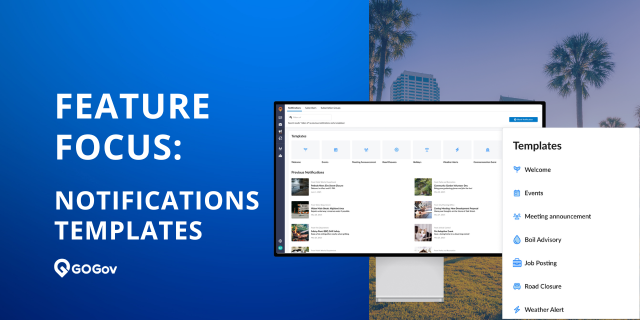
That's why we're excited to highlight Notification Templates, one of the standout additions in GOGov Citizen Notifications.
Instead of staring at a blank form, staff can now choose from 13 professionally written templates that pre-fill the headline, tagline, and body copy—with a stock image included. Just fill in the bracketed details, customize as needed, and send.
Best of all? Templates are included with GOGov Citizen Notifications—no upgrade required.
📋 What Are Notification Templates?
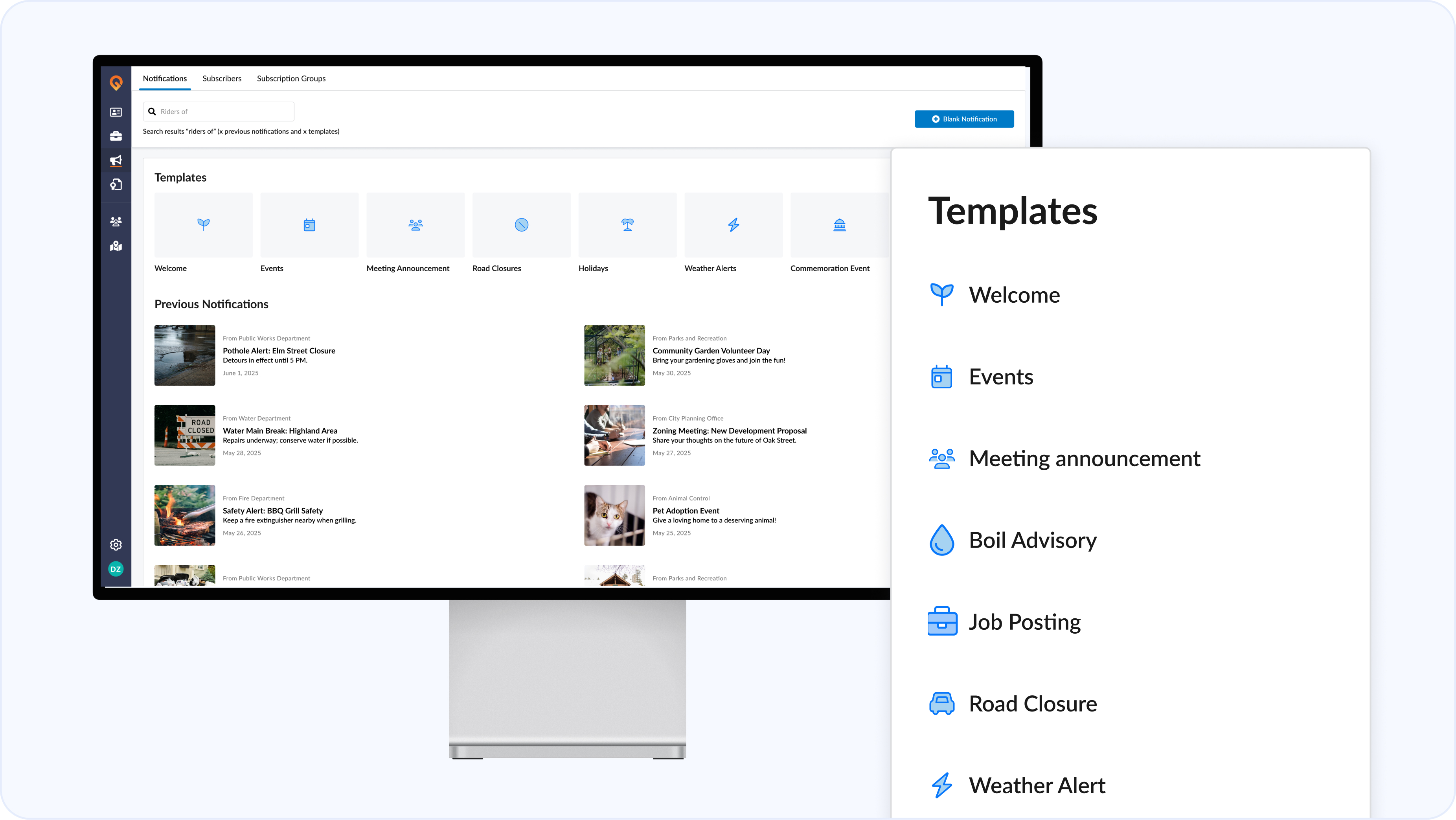
The new "Create from Template" flow gives government staff a ready-made starting point for the most common notification types. Select a template, and the headline, tagline, and body auto-populate with professionally written copy and a stock photo. From there, staff simply fills in the bracketed placeholders—like [Date], [Location], or [Event]—before selecting their audience, channels, and send time.
All template content is fully editable. Templates are a head start, not a constraint.
By the numbers:
- 13 templates available at launch
- 4 categories covered: Community & Events, Public Safety & Alerts, Government Operations, and Recruitment & Engagement
- 3 fields pre-filled: Headline, tagline, and body copy
🗂️ What Templates Are Available?
Templates are organized into four categories that cover the full range of everyday government communications:
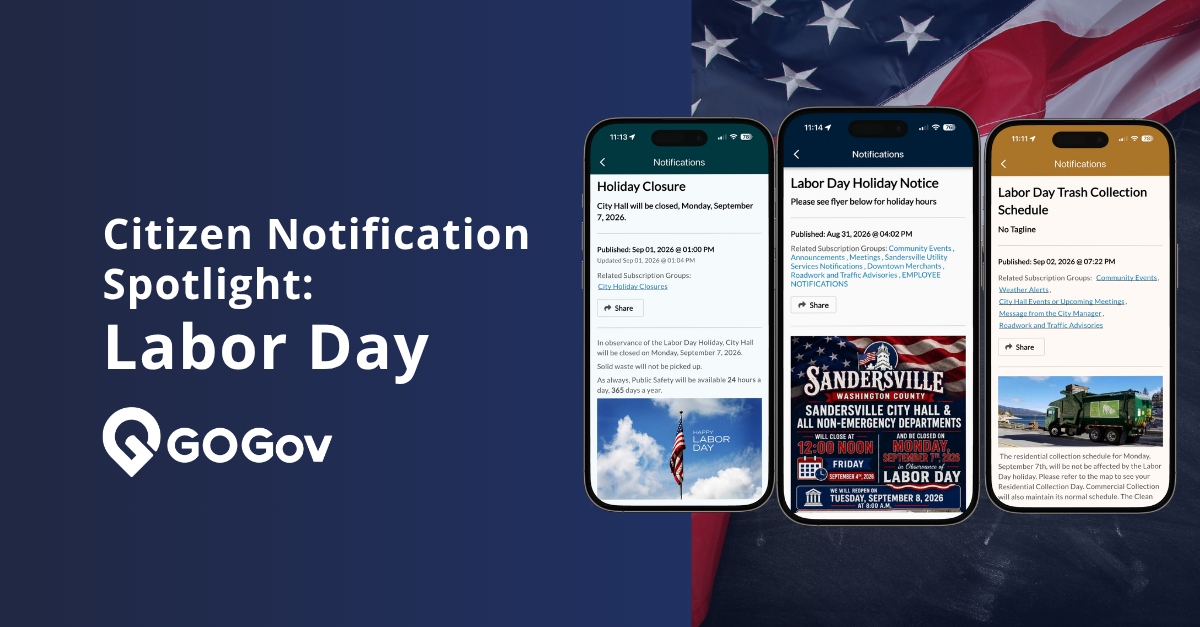
Community & Events — Welcome new app subscribers, promote festivals and fairs, announce commemorative events, and send holiday greetings from your agency.
Public Safety & Alerts — Ready-to-send formats for weather warnings, weather-related road closures, boil water advisories, and road closure notices. When something time-sensitive happens, your team won't be starting from a blank page.
Government Operations — Templates for special project announcements, office hour changes, city council meeting notices, and procurement bid postings. The routine stuff, handled faster.
Recruitment & Engagement — A dedicated job posting template makes it easy to get openings in front of residents quickly, with placeholders for department, position type, requirements, and application details.
🔔 Real-World Use Cases
Boil Water Advisory: Fill in the date and affected area, select the right audience (or combine with Geo-Targeting to reach only impacted residents), and send within minutes—not after a scramble to write copy from scratch.
City Council Meeting: The meeting announcement template pre-fills a professional notice. Just drop in the month, date, time, and location—done.
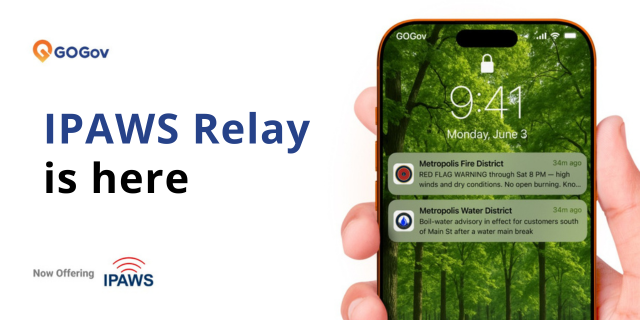
Severe Weather Alert: The weather alert template is pre-written with the right tone for urgent situations. Fill in conditions and expected impact, and your message is ready to go across SMS, push, email, and voice.
New Position Open: Use the job posting template to share openings city-wide or with targeted groups—complete with department, duties, and application instructions.
📡 How Templates Work Across Channels
Templates adapt automatically based on which channels your team selects:
- Email — Full body with image, headline as subject, tagline as subtitle. The richest template experience.
- SMS — Headline and tagline truncated to 160 characters with your agency prefix.
- Push Notification — Headline delivered as the notification body.
- Voice — Voice content is written separately by staff (templates don't pre-fill voice copy).
One message, one send—delivered the right way on every channel your residents use.
💡 A Few Things to Know
Bracket placeholders like [Date] or [Location] are plain text—if a placeholder isn't replaced before sending, residents will see the literal bracket text. A quick review before sending keeps everything clean. Each template also includes a stock image from the GOGov CDN, which can be swapped out in the editor at any time.
✅ Included for All Notification Customers
Notification Templates are included with GOGov Citizen Notifications. Just log in, select a template, fill in your details, and send.
Want to see templates—and everything else new in the Q1 2026 release—in action? Schedule a quick demo and we'll walk you through it.
Questions? Reach out to support@gogovapps.com or connect with your GOGov Success Manager.
.png)


.png)